 Ali PDF Editor
How to redact a PDF without uploading it
Drawing a black rectangle over text does not redact it. The words are still in the file underneath, and anyone can select them, copy them out, or remove the rectangle. Real redaction takes the hidden content out of the file. And a document that needs redacting is, almost by definition, one you should not upload to a website to do it.
Ali PDF Editor redacts for real, on your own computer.
Redact a PDF in four steps
- Open the PDF and choose Redact (E) in the toolbar.
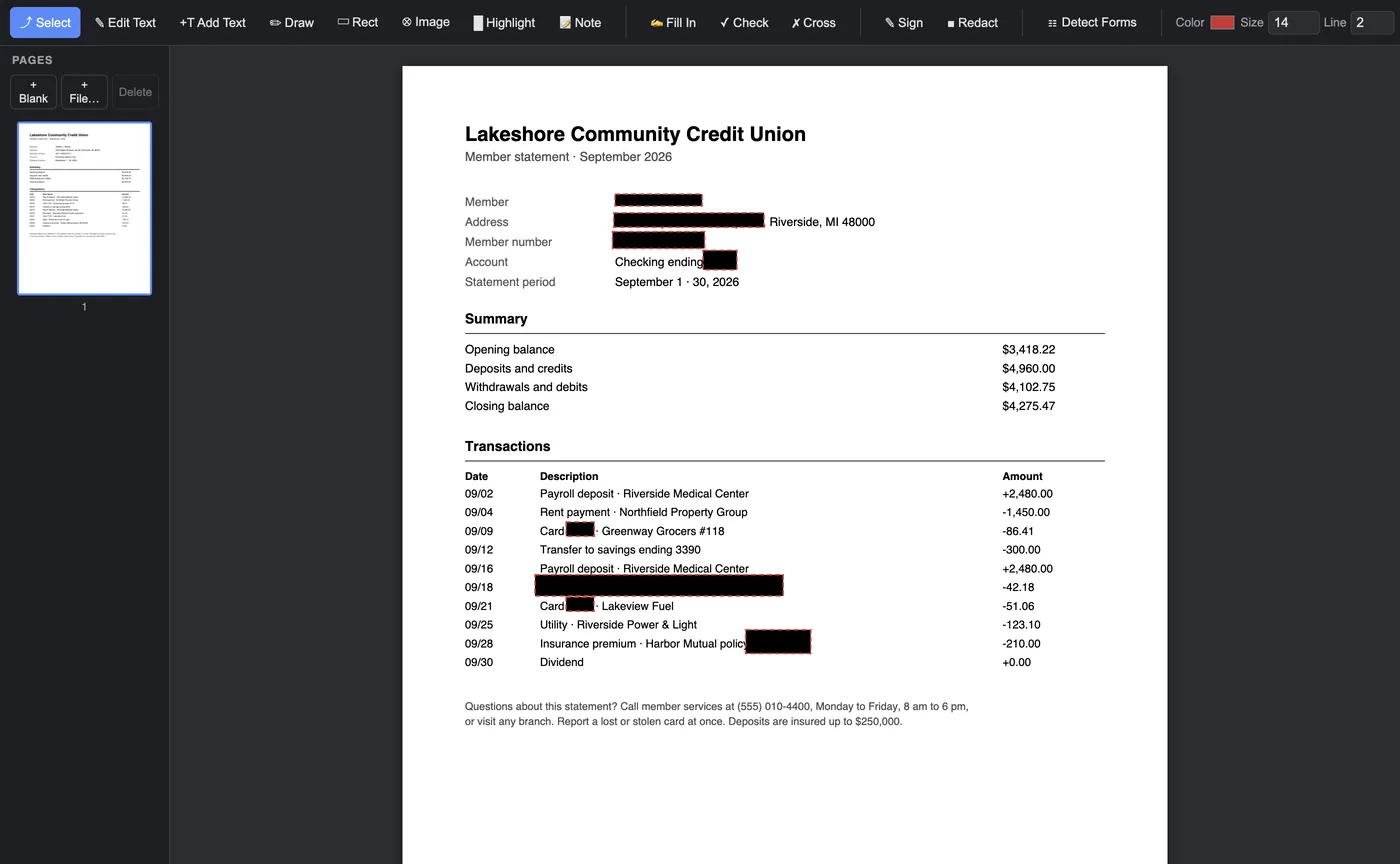
- Drag over each thing that must go: a name, an account number, a signature, a photo. The area turns black with a red dashed edge, which means "redaction waiting to be saved". Undo takes one back.
- Check the pages. Scroll through; every redaction is visible on the page.
- Save. Each page with a redaction is written afresh as a picture with the black areas burned in, and its old content is removed from the file. The words you did not redact are put back over the picture as invisible text in their places, so the page can still be searched, and its text selected and copied.
What makes this a real redaction
- The content under the black is deleted, not hidden. It is not in the saved file at all, so it cannot be copied, searched or recovered.
- Nothing leaves your computer. Online redaction tools need the unredacted document first. Ali PDF Editor never uploads it.
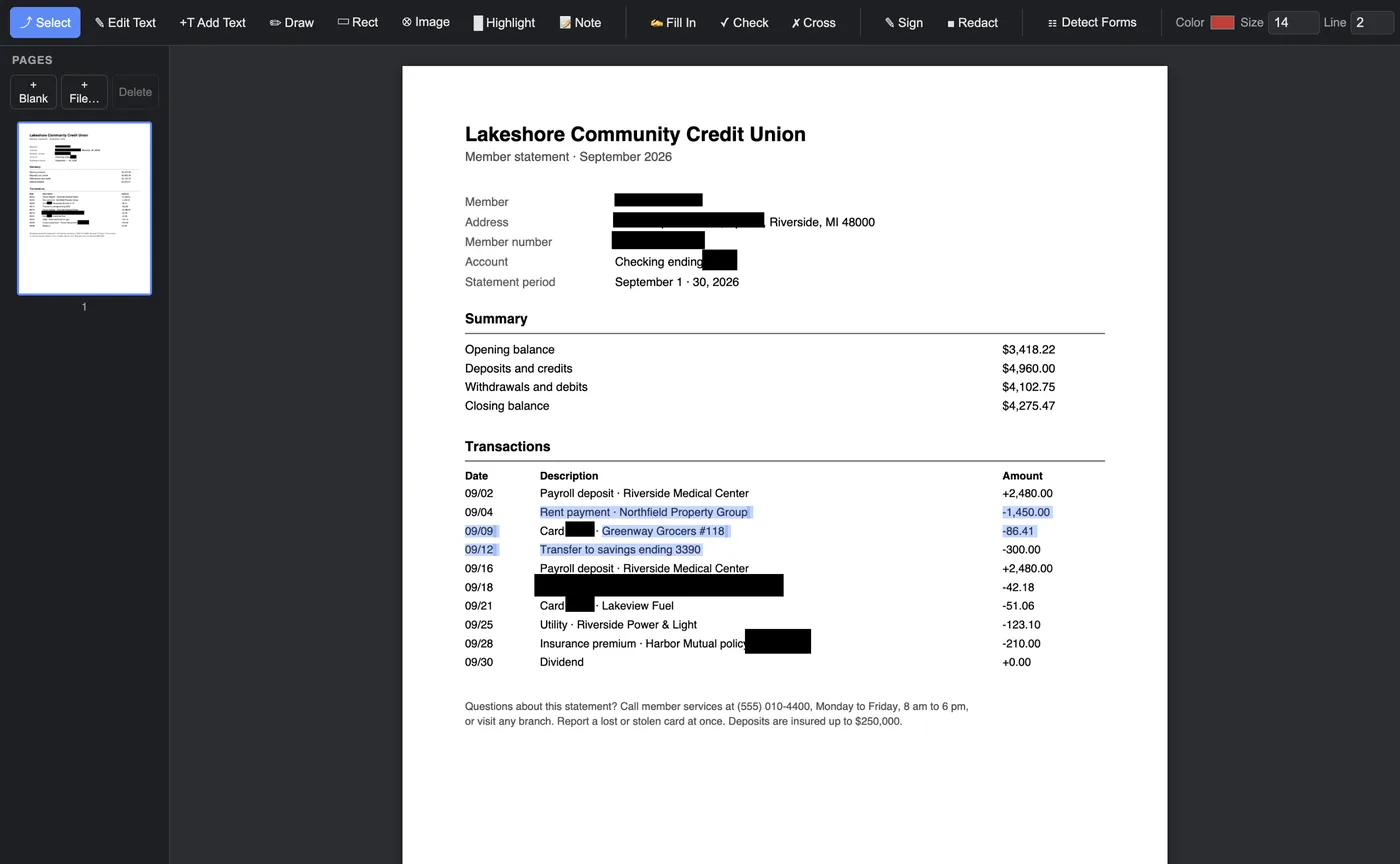
- Careful with neighbours. A word that touches a redacted area, or stands right beside one, is left out of the searchable text too, to be safe.
- Form fields and notes on a redacted page become part of the picture, so a value typed into a field cannot survive under the black.
Changed your mind?
Until you save, Undo takes any redaction back, or the Erase tool (W) removes one with a click. After saving, the redacted words are gone for good; that is the point. Erase can still take the black bar off a saved page (it is covered in the paper’s own tone), but the words it hid do not come back; type them again with Add Text if you need them.
Questions
Can redacted text be recovered from the PDF?
No. When you save, the page is rewritten without the content under the black areas, so there is nothing left to recover.
Is it safe to redact a PDF online?
An online tool has to receive the unredacted document first. Ali PDF Editor redacts on your own computer, so the original never leaves it.
Can I still search the redacted PDF?
Yes. The words outside the redactions are put back as invisible text in their places, so the page can be searched and its text copied.
Try it on your own forms. The download is the full app, free for seven days, no card. Then $8.99 once, for life, on up to three computers.
Download for Mac or Windows